mc-server-meta
Files and images
Filestructure
minecraft_servers: Contains images for Minecraft servers.
For every server a folder has to be created. The directory name should be lowercase and not contain any special characters (no URL/domain!).
Important: The directory MUST match the
server_nameproperty in the manifest.json.
For a server to get accepted, it should already be released and publicly available! Servers in maintenance will be declined.
A folder can contain the following files (*required):
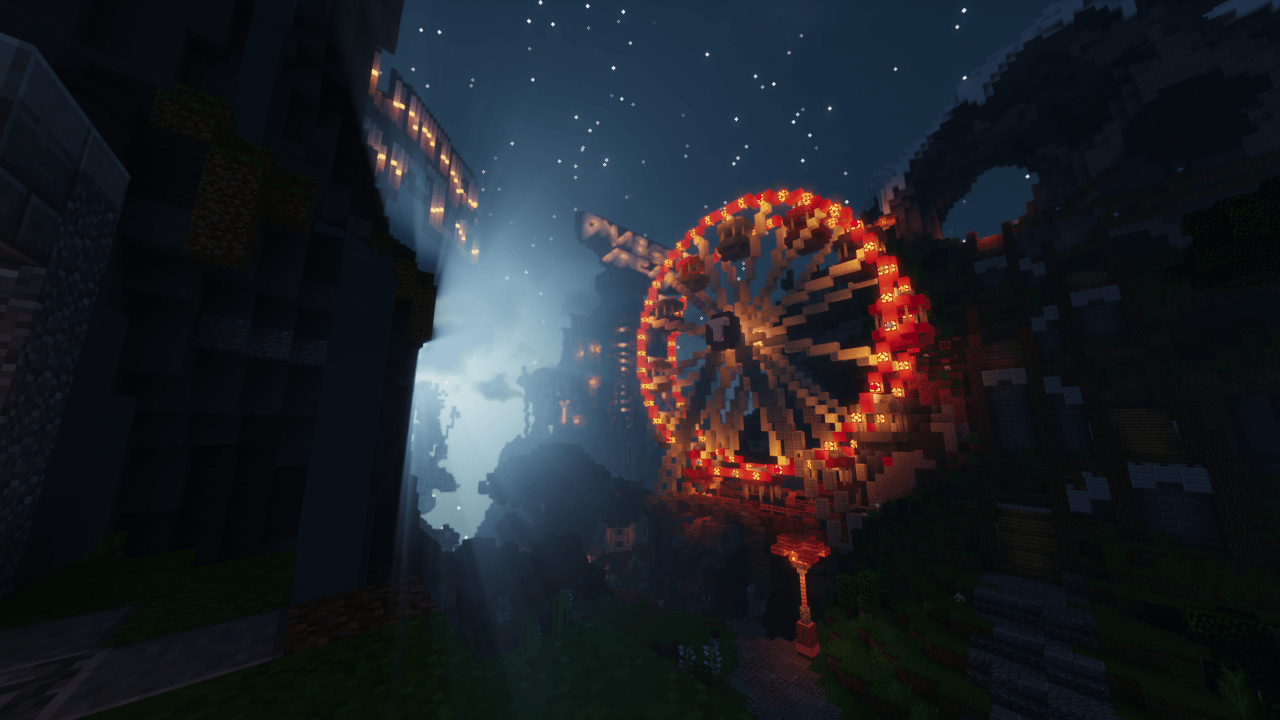
icon.png*: An icon, mostly the favicon or the Minecraft server icon. (256 x 256)logo.png: The logo of the server. Mostly a more detailed image. (128-256 x 256-512)background.png: Mostly a screenshot of the lobby of the server. Should look good when overlaid with thelogo.png. Example background.png (1280 x 720)icon@2x.png*: hDPI version oficon.png(512 x 512)logo@2x.png: hDPI version oflogo.png(256-512 x 512-1024)background@2x.png: hDPI version ofbackground.png(1920 x 1080)banner.pngThis banner image will be shown in future versions of LabyMod above the player list (tab), this can currently be achieved also via the LabyMod server API. (aspect ratio 5:1, max 1280 x 256)manifest.json*: Information for minecraft server. See example manifest.json
Gamemodes
A folder can also contain a gamemodes-folder in it, that contains gamemode icons for LABY.net.
File path
/minecraft_servers/{server_name}/gamemodes/{gamemode_key}/icon.png(512 x 512)
Image specification
All images must have the following requirements:
- Filetype must be PNG.
- They should be compressed and optimized.
- Images with transparency are preferred.
- If multiple images are available, the ones optimized for a white background are preferred.
- The image should be trimmed, so it contains the minimum amount of empty space on the edges.
Icon image requirements
Additional to the general image requirements listed above, for the icon image, the following requirements are applied as well:
- Aspect ratio needs to be 1:1 (square).
- Icon size must be 256x256 pixels, for the hDPI this is 512x512 pixels.
- The maximum icon pixel size is, of course, preferred.
Logo image requirements
Additional to the general image requirements listed, for the logo image, the following requirements are applied as well:
- A landscape image is preferred.
- Aspect ratio should respect the logo of the brand.
- The shorter side of the image must be at least 128 pixels, 256 pixels for the hDPI version.
- The shorter side of the image must not be bigger than 256 pixels, 512 pixels for the hDPI version.
- The maximum pixel size for the shorter side of the images is, of course, preferred.
Example background.png